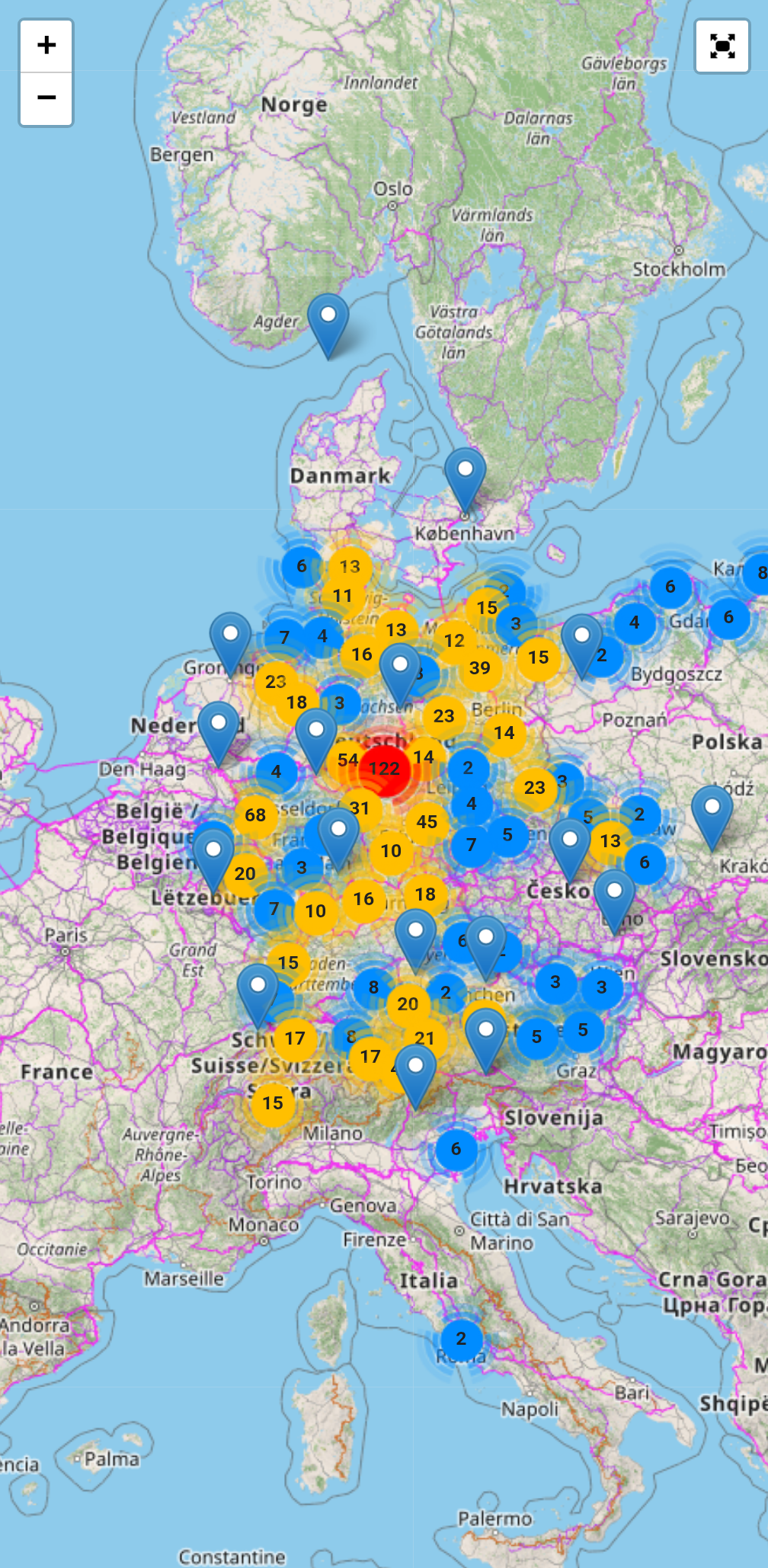
#MediaWiki question: I want to use a screenshot of the interactive map embedded on the main page of the wiki as its social media preview card because that map is such an eye catcher.
-
#MediaWiki question: I want to use a screenshot of the interactive map embedded on the main page of the wiki as its social media preview card because that map is such an eye catcher. But I want to do so _without_ adding this screenshot to the actual page.
The best I can think of is to cheat by adding this image with a scaled size of 1 pixel somewhere on the page so that it doesn't get noticed, but are there other options?
-
#MediaWiki question: I want to use a screenshot of the interactive map embedded on the main page of the wiki as its social media preview card because that map is such an eye catcher. But I want to do so _without_ adding this screenshot to the actual page.
The best I can think of is to cheat by adding this image with a scaled size of 1 pixel somewhere on the page so that it doesn't get noticed, but are there other options?
The image selected when it comes to sharing on social media is commonly determined by the `<meta property="og:image" ..>` (See https://ogp.me/ for more information)
So I think your solution is here: https://www.mediawiki.org/wiki/Extension:OpenGraphMeta
-
The image selected when it comes to sharing on social media is commonly determined by the `<meta property="og:image" ..>` (See https://ogp.me/ for more information)
So I think your solution is here: https://www.mediawiki.org/wiki/Extension:OpenGraphMeta
Does this allow you to make the actual image invisible on the page in question?
-
Does this allow you to make the actual image invisible on the page in question?
Setting the `og:media` property determines which image is shown in social media, so yes, you can refer to another image that is not on the page.
-
Setting the `og:media` property determines which image is shown in social media, so yes, you can refer to another image that is not on the page.